SwetyEditor › AI
AI: summaries and chapter markers for your Premiere Pro transcript
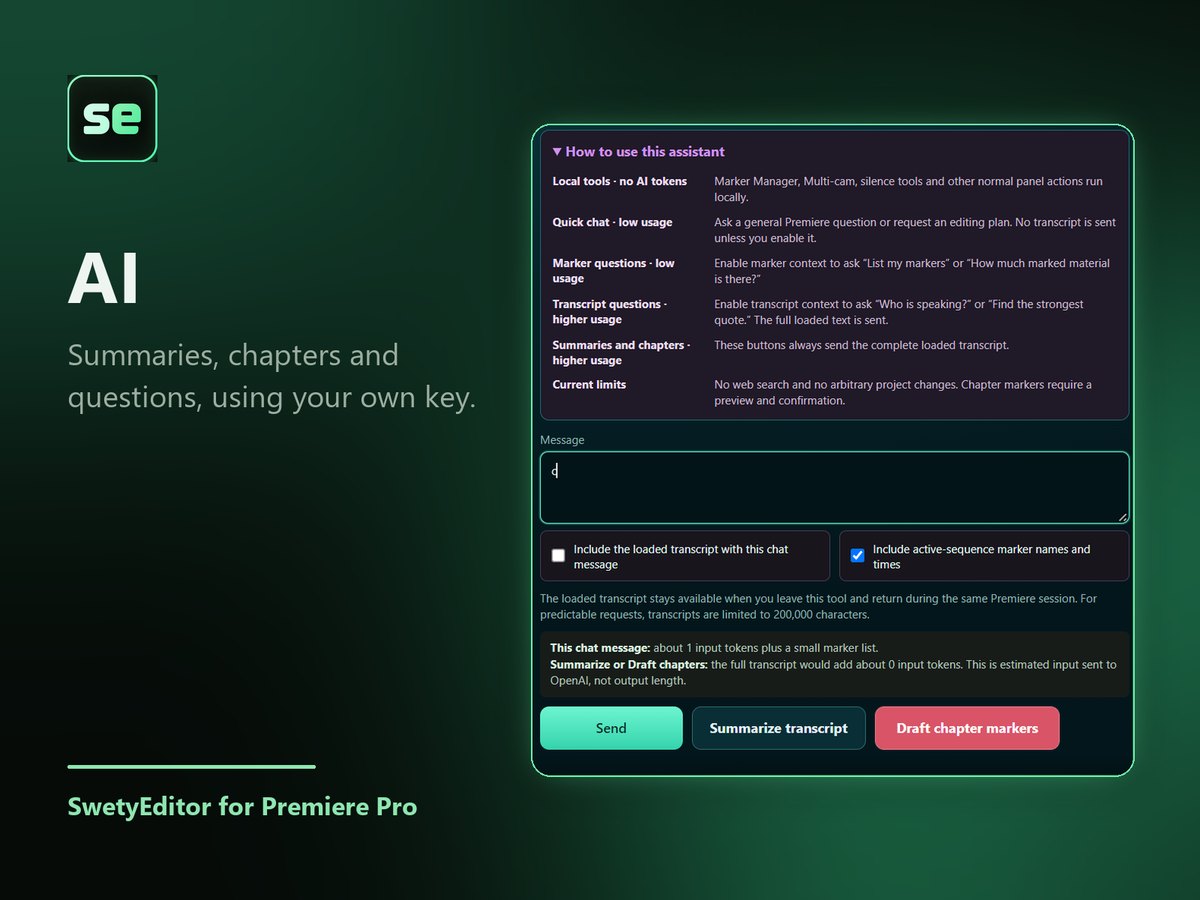
Ask questions, get a summary or draft chapter markers from your transcript or markers, using an AI provider you choose. It is in beta.
What’s inside
Summaries and questionsLoad a transcript, or use your sequence markers, and ask.
Chapter markers you reviewDrafted chapters can be read and edited before they are added to your sequence.
Your key, your providerYou paste in your own API key. Your provider bills you for the AI use; SwetyEditor adds no extra charge.
How it works
- Choose a provider and paste your API key.
- Load a transcript, or use your sequence markers.
- Ask a question, make a summary, or draft chapter markers.
Good to know
- Nothing is sent until you press an AI action, and it cannot change your project on its own.
- The text you send goes to the provider you chose, under that provider's terms.