SwetyEditor › End card
End card: add a closing video to many sequences at once in Premiere Pro
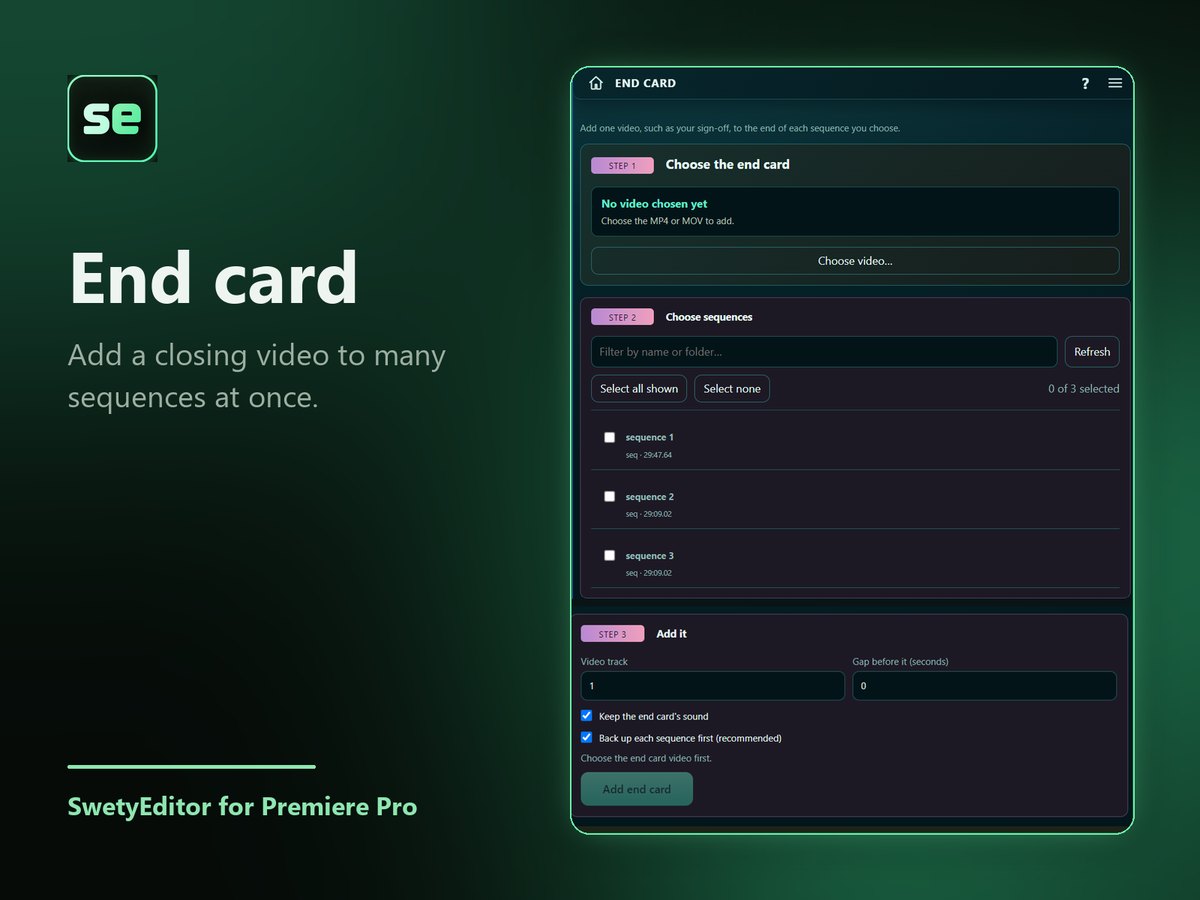
Choose one video, such as an MP4 sign-off, tick the sequences that should end with it, and press Add.
What’s inside
Many sequences at onceTick as many sequences as you like. Each one is backed up first.
Safe to repeatSequences that already have the video are skipped, and the originals are kept in a SwetyEditor Backups bin.
How it works
- Choose the video to add.
- Tick the sequences that should end with it.
- Press Add.
Good to know
- The video is placed straight after each sequence's last clip.