SwetyEditor › Selects
Selects: pull clips from marked ranges in Premiere Pro
Mark the good moments with duration markers, then let Selects build the sequences for you. Your original sequence is never changed.
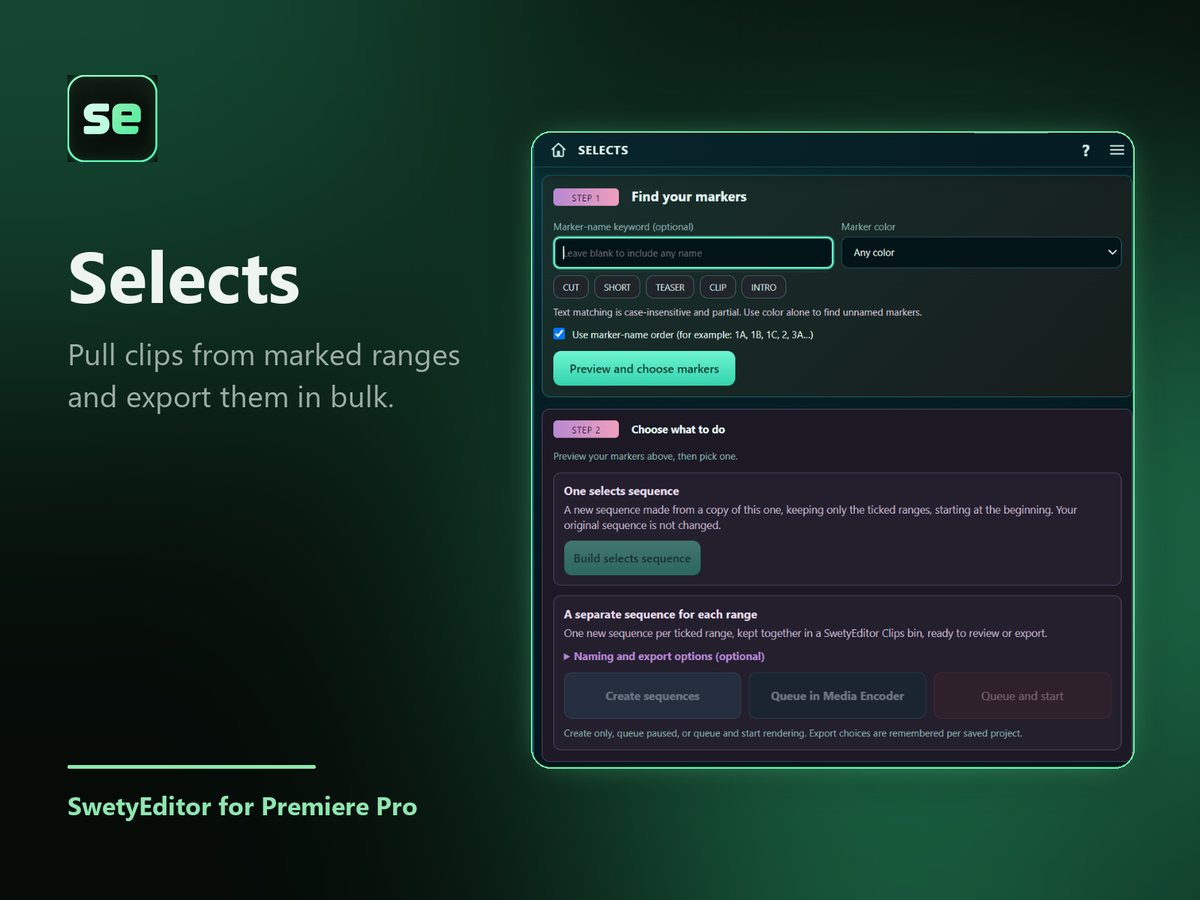
What’s inside
One selects sequenceA copy of your sequence that keeps only the ranges you ticked, placed in a SwetyEditor Edits bin.
One sequence per rangeA separate sequence for each range, in a SwetyEditor Clips bin, optionally queued in Media Encoder to export in bulk.
Find your markers fastType a word, pick a color or press a keyword button, then preview and choose. Tick Use marker-name order to follow numbers in the names (1A, 1B, 2) instead of timeline order.
How it works
- Find your markers and press Preview.
- Tick the ranges you want.
- Build a single selects sequence, or one sequence per range.
Good to know
- It needs duration markers, which have a start and an end.
- Your original sequence is not changed.