SwetyEditor › Sounds, Effects, Transitions
Sounds, Effects, Transitions: one-click macros for Premiere Pro
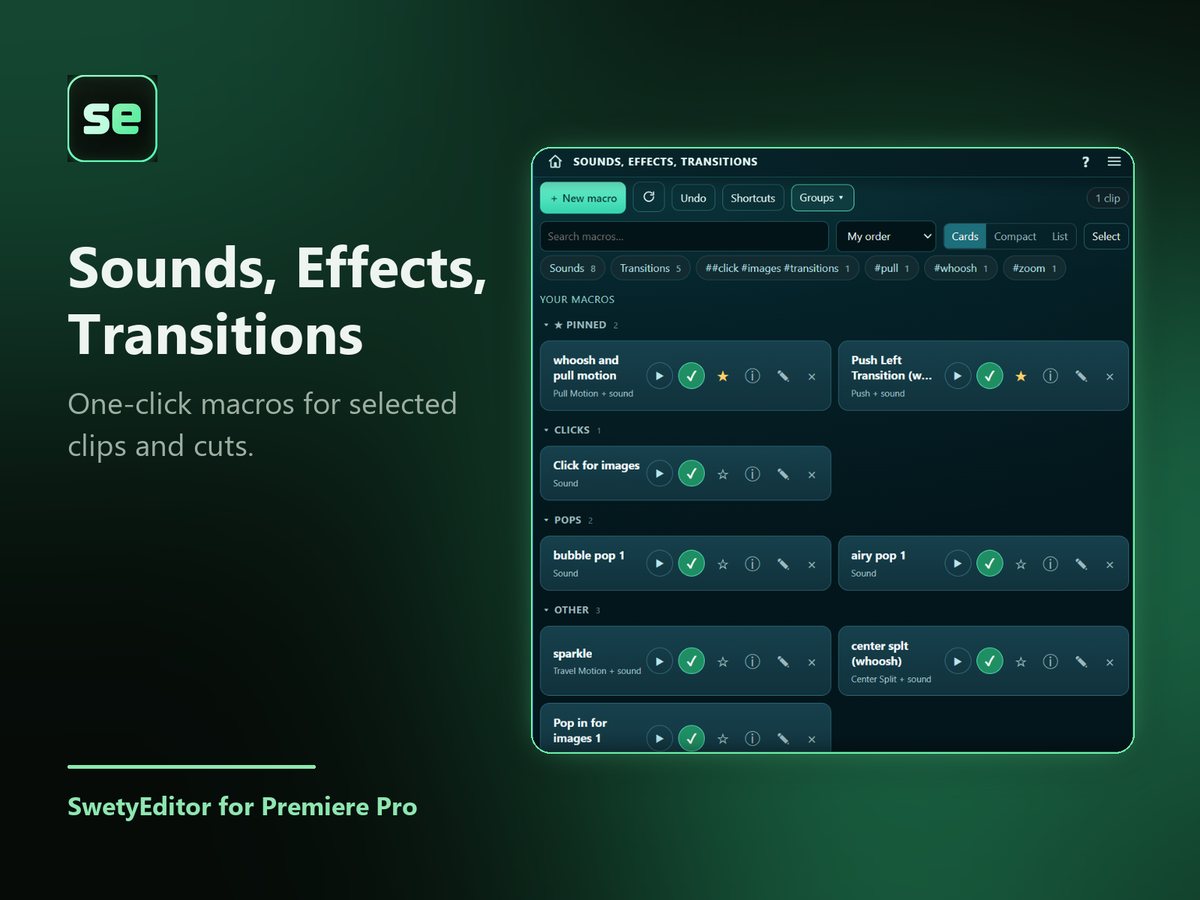
Do the same small edit again and again with one click. Make a macro once, select your clips, and run it. A small Shortcuts window can float over Premiere so a macro is always one click away.
What’s inside
Sound macrosA sound macro can hold a sound, a transition, or both. Place it at the start or end of each selected clip, or at every cut between clips.
Effect macrosAdd one effect to every selected clip.
Chop and FXChop a file that holds several sounds, tweak one, and save it as its own file.
Shortcuts windowA small floating window with your macros, with groups, tags and optional keys.
How it works
- Make a macro and choose where it goes.
- Select your clips, or park the playhead.
- Click the macro.
Good to know
- Sounds are imported once into a SwetyEditor Sounds bin. Nothing is overwritten: a spot that is busy is skipped and the reason is shown.
- Undo removes the sounds and tries to remove the transitions. Effects are not removed by Undo.