SwetyEditor › Anchor
Anchor: move the pivot point and keep the picture still, in Premiere Pro
Rotating or scaling a clip around the wrong point is a common annoyance. Anchor sets the pivot where you click and corrects your Position keyframes so the picture does not jump.
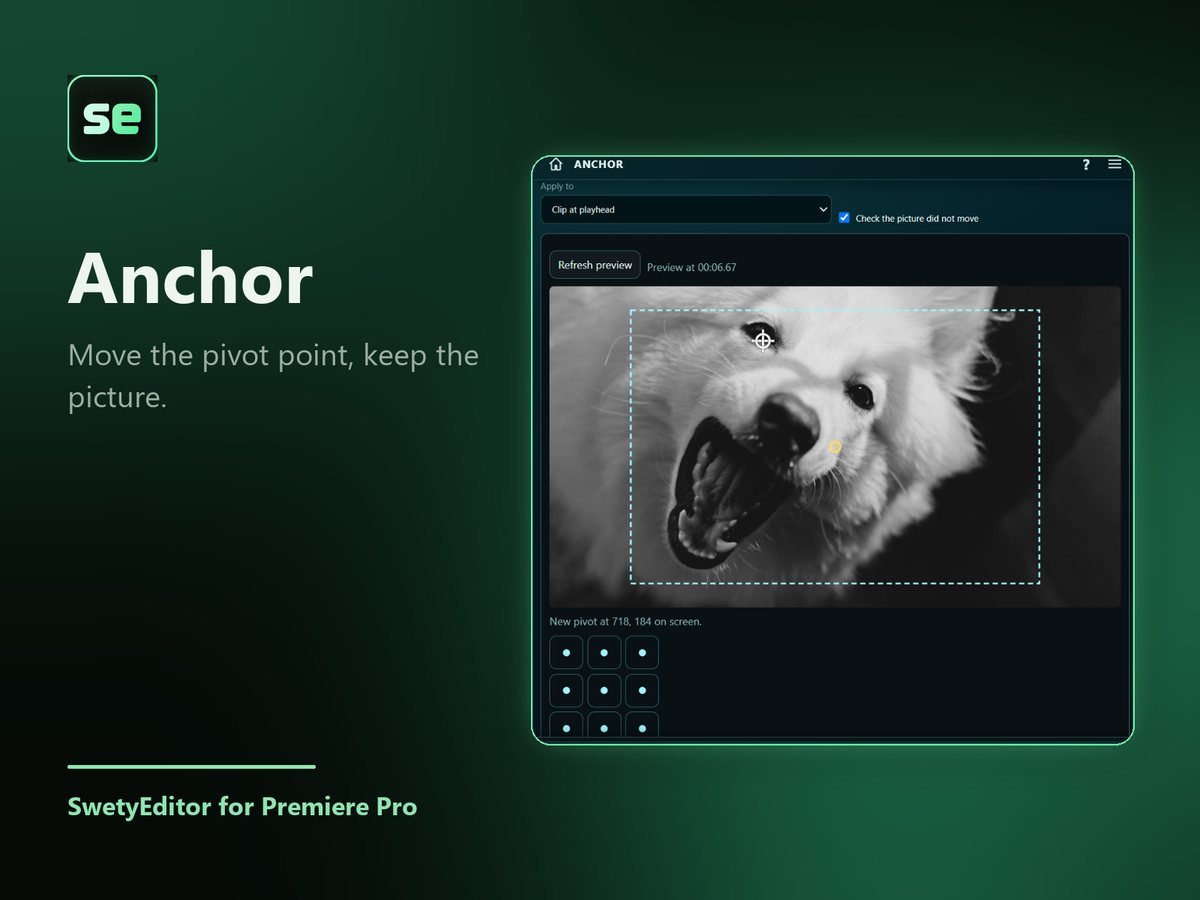
What’s inside
Click to place the pivotClick where the pivot should go, or pick a spot. It snaps to the clip's corners, edges and center.
Keyframes are adjusted for youYour Position keyframes are corrected so the picture looks exactly the same.
Works on several clipsSelect more than one video clip to move all their pivots at once.
How it works
- Select one or more video clips and put the playhead inside one.
- Click where the pivot should go.
- Press Set anchor point, then rotate or scale in Effect Controls.
Good to know
- A backup sequence is saved first, and Undo takes the last change back out.
- Clips whose Anchor Point is animated are skipped.