SwetyEditor › Find
Find: search your Premiere Pro project and timeline
Type a word and get a fast list of everything that matches. Click a result and Premiere jumps to it.
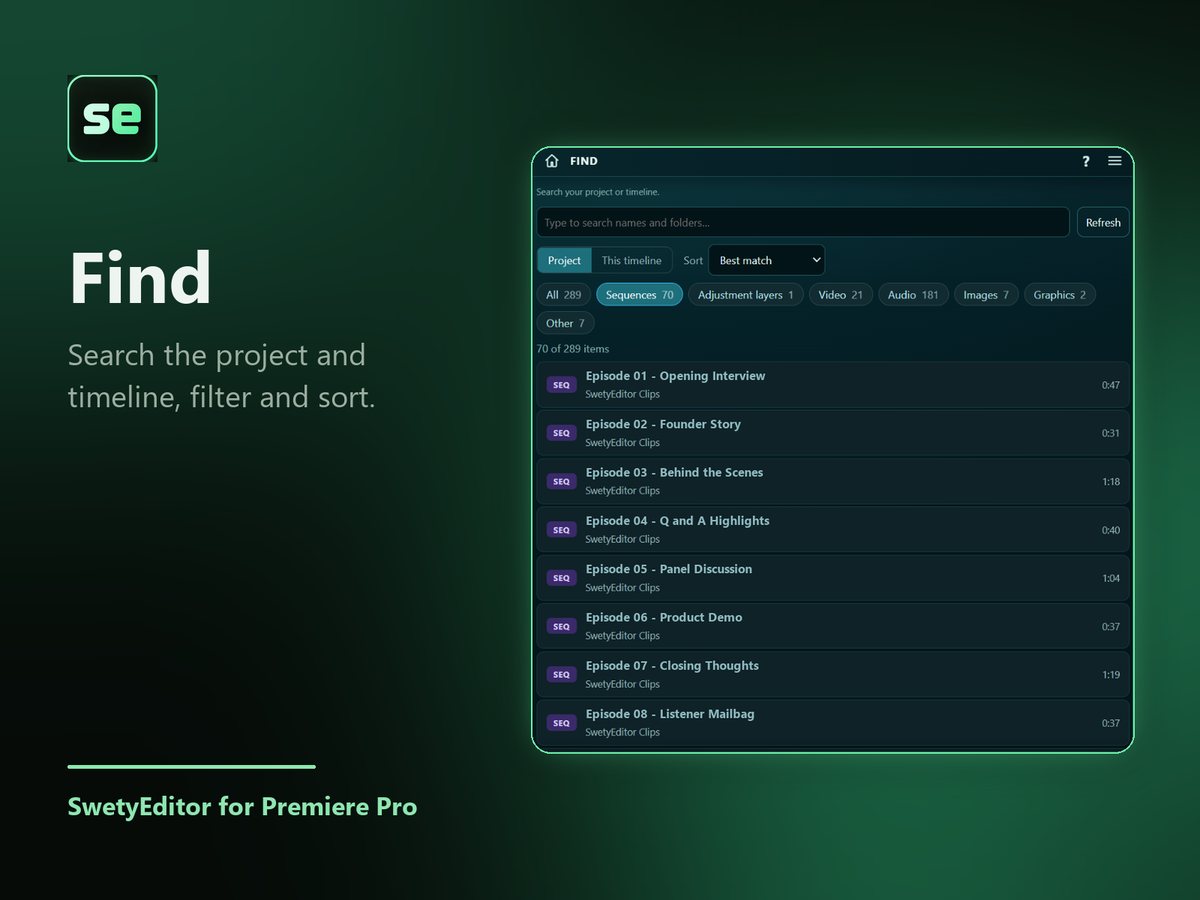
What’s inside
Project or timelineSwitch between the whole project and this timeline, then narrow it with the type buttons and the sort box.
Several words in any orderNames, folders and file locations are all searched.
Jump to itA sequence opens, a project item is selected, or a timeline clip is selected with the playhead on it.
How it works
- Type a word, or several in any order.
- Narrow the list with the type buttons.
- Click a result.
Good to know
- Press Refresh after you add or rename things in Premiere.
- Searching changes nothing in your project.