SwetyEditor › Text
Text: place text graphics at your markers in Premiere Pro
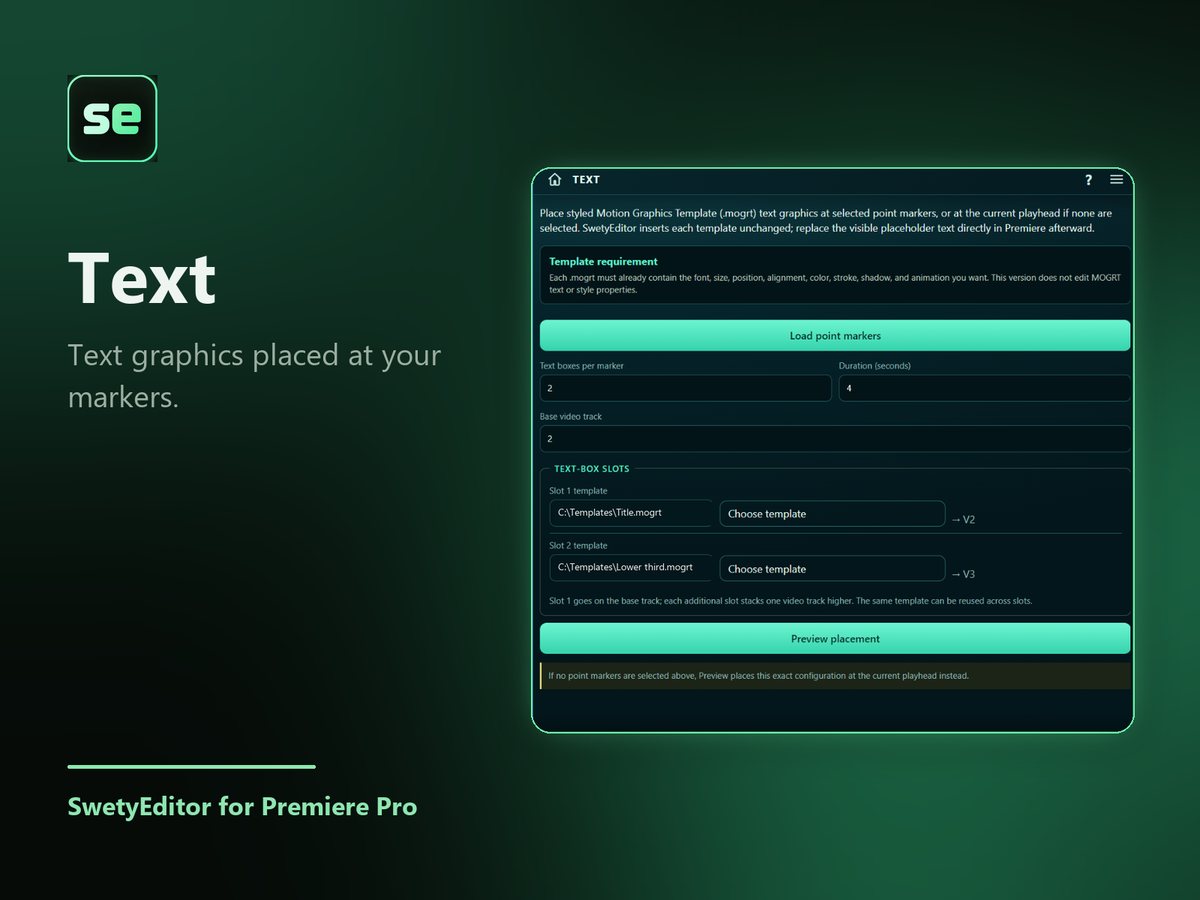
Put point markers where you want text, choose a Motion Graphics Template for each text box, and Text places a copy at every marker. Then change the words in Premiere.
What’s inside
Your own templatesUse any Motion Graphics Template (.mogrt) you already have.
Built from markersPick the markers you want, preview, and build. Without markers it places the template at the playhead.
How it works
- Put point markers where you want text to appear.
- Choose a template for each text box and load your markers.
- Pick the markers, preview and build.
Good to know
- A copy of your template is placed at each chosen marker. Change the placeholder text in Premiere afterward.