SwetyEditor › Camera
Camera: add push-ins and pans to your clips in Premiere Pro
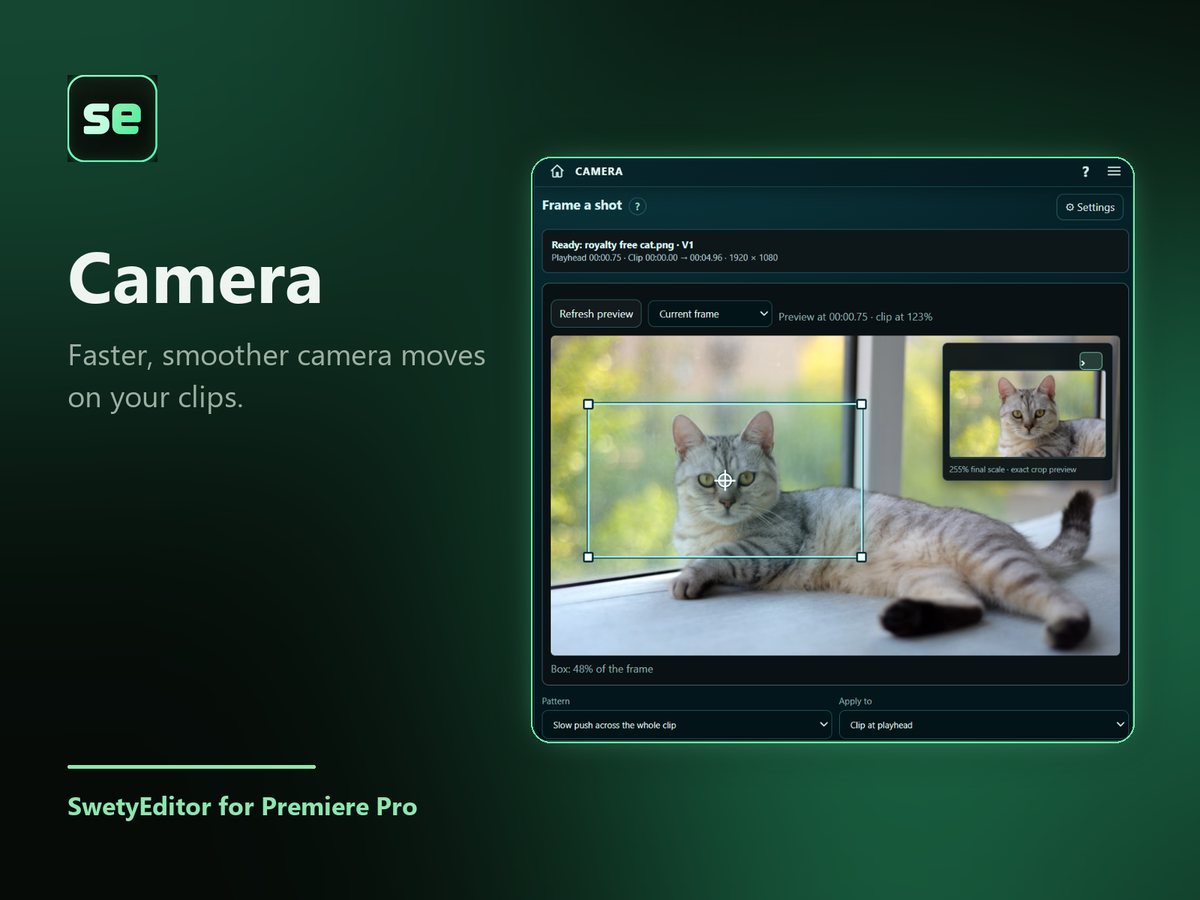
Draw a box around the part of the picture you want to move to, pick a pattern, and Camera writes the Position and Scale keyframes for you. Nothing is cut.
What’s inside
Draw the shot you wantDrag a box over the preview. Hold Alt to draw from the center, and Space to move the box.
Patterns, duration and easingChoose how the move behaves and how long it lasts, then apply it.
One clip or manyApply the same move to every selected clip at once.
How it works
- Select the clips and park the playhead inside one.
- Drag the box around the shot you want.
- Pick a pattern, duration and easing, then press Apply Camera Move.
Good to know
- A backup sequence is saved first, and Undo takes the last move back out.
- Existing keyframes outside the move are left alone.