SwetyEditor › Visuals
Visuals: bring images, GIFs and stock footage into Premiere Pro
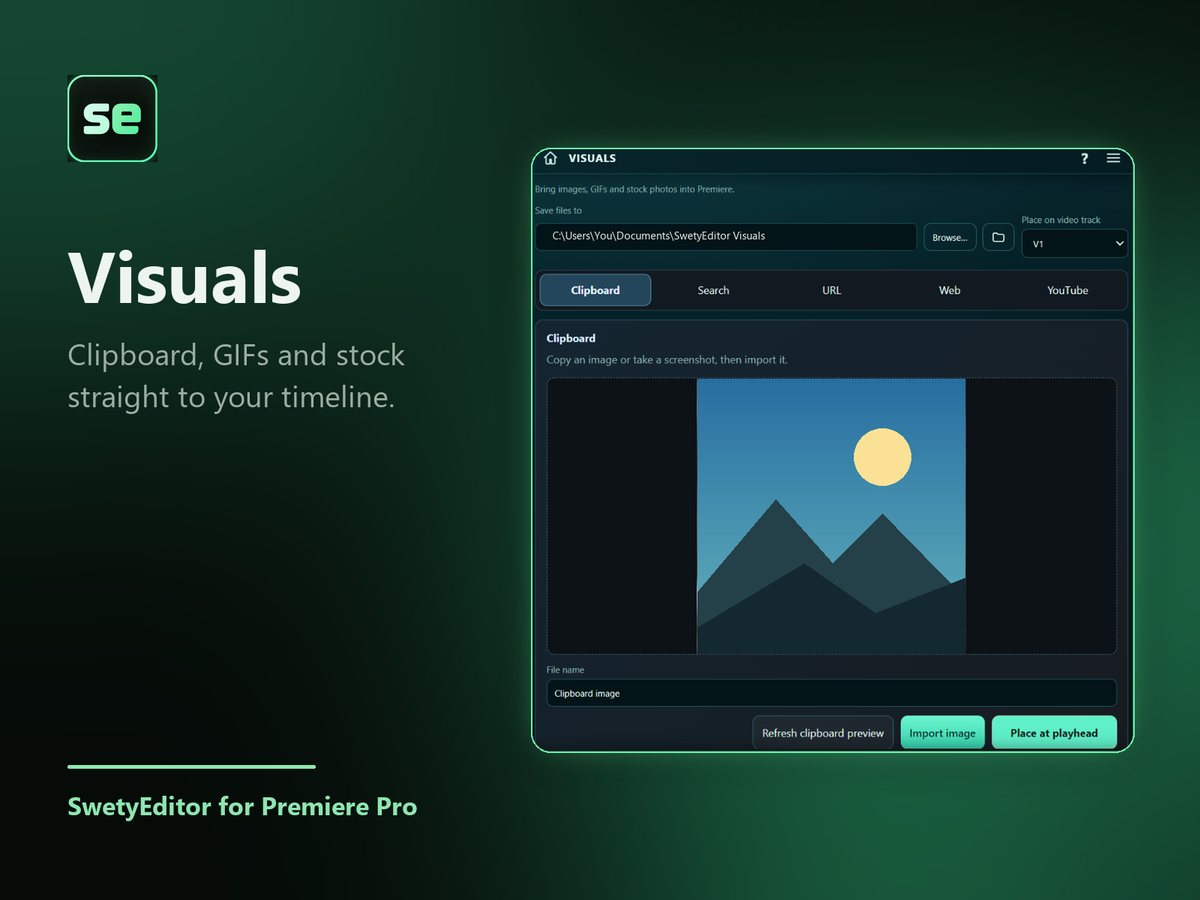
Get a picture onto your timeline without leaving Premiere. Paste from the clipboard, search, use a link or pick from the web, then place it at the playhead.
What’s inside
Five ways inClipboard, Search, URL, Web or YouTube.
Saved for youFiles land in a SwetyEditor Visual Assets bin in your project. Nothing goes on the timeline unless you use Place at playhead.
How it works
- Choose where files are saved and which video track to place on.
- Pick a tab and find your image.
- Import it, or import it and place it at the playhead.
Good to know
- Searches run only when you press the button.
- You are responsible for having the right to use the images you import.